
See what your users experience inside Citrix
2Steps logs in, opens published apps, and clicks through real workflows the same way your people do – so you know critical business applications are working before anyone calls the service desk.
Key capabilities
Replay key interactions
Watch a video of the full journey inside the Citrix session - exactly what the user would have seen on their screen.
Monitor across geographies
Run the same user journey from any region or branch site and compare performance side by side.
Flag performance issues
Get alerted the moment a login, app launch or in-app step takes longer than your set threshold.
Real time feedback on what's happening inside the session
2Steps runs end-to-end user journeys inside your Citrix environment on a continuous loop – logging in, opening published apps, navigating menus, completing transactions – just like a real employee at their desk. Every step is timed, recorded and compared against your performance thresholds.
When something slips – a slow login, a stuck app launch, a screen that doesn't load – your team is alerted immediately with a video replay of the failure. You see exactly where the journey broke, not just that 'something' went wrong somewhere in the stack.
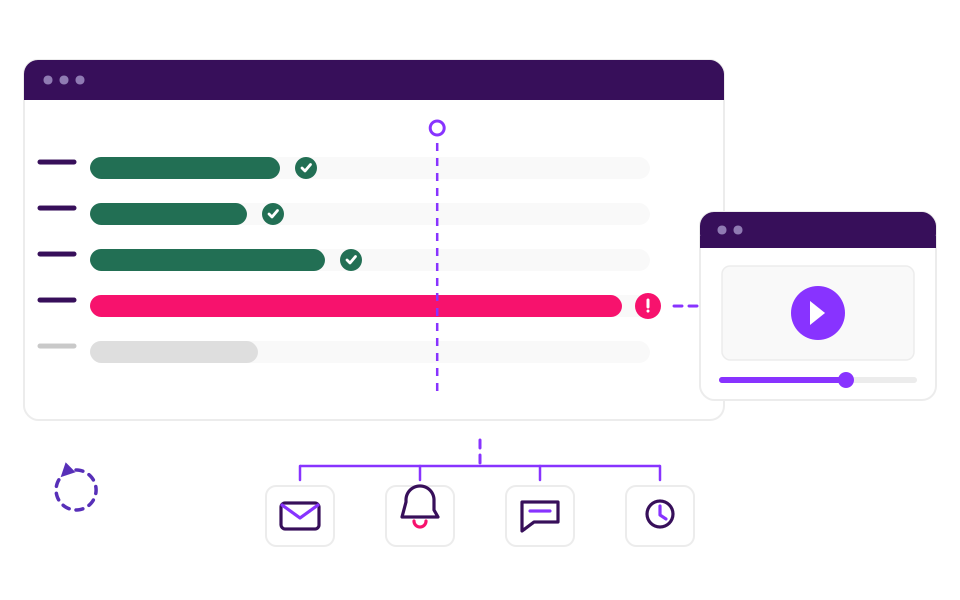
Monitor Citrix alongside the rest of your stack
Most Citrix environments don't run in isolation. Your users are launching apps that connect to Microsoft Azure or AWS, hitting Salesforce or SAP, and moving between virtual desktops and cloud services dozens of times a day.
2Steps follows the user journey across every layer. A single test can sign in to Citrix, open a published app, run a search in SAP, pull a record from Salesforce, and confirm the right data came back – end to end, the way a real user would do it.
If anything in that chain breaks, you'll know which step caused it.
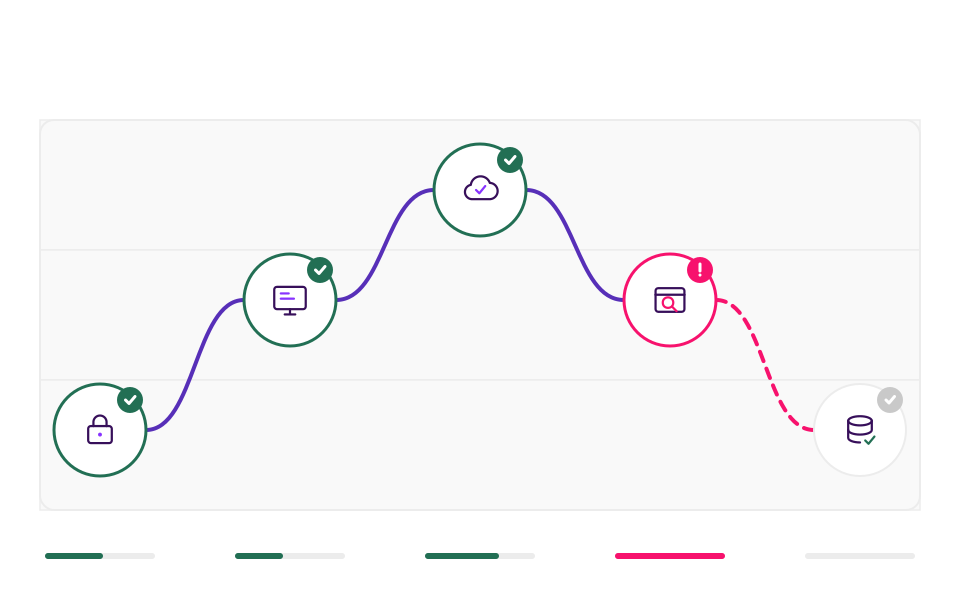
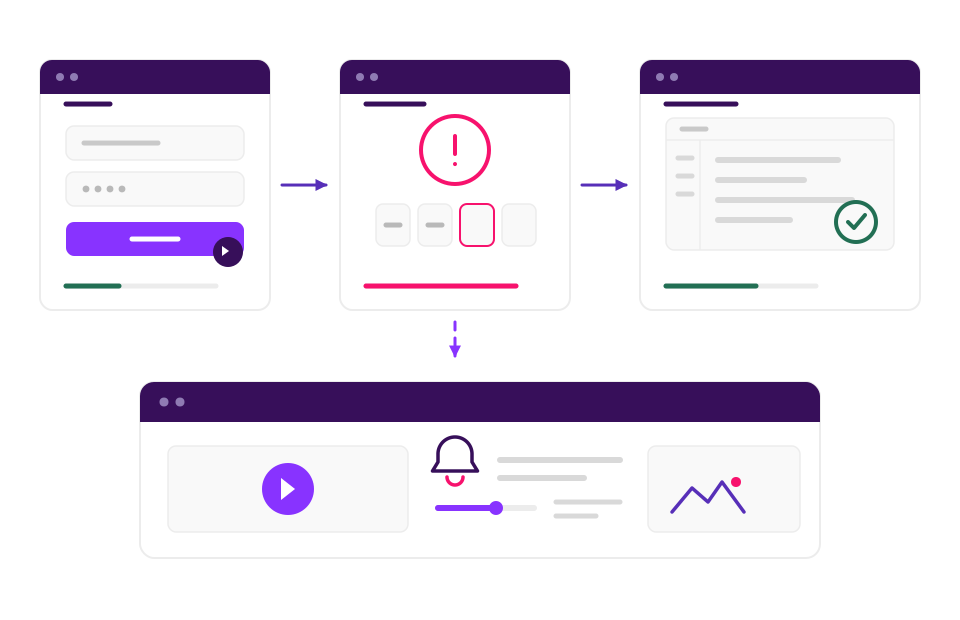
Test MFA, 2FA and SSO the way your users interact with them
Citrix is usually fronted by Okta, Duo, Microsoft Entra ID or another identity provider, and authentication is one of the most common places user journeys fail silently. 2Steps drives the full sign-in flow as a real user – entering credentials, completing the MFA challenge, launching the Citrix session – and times every step along the way.
If any part of authentication slows down or fails, you're alerted before users start logging tickets. You also get a recording of the exact failure, which takes the guesswork out of where the problem sits – identity provider, network, or Citrix itself.
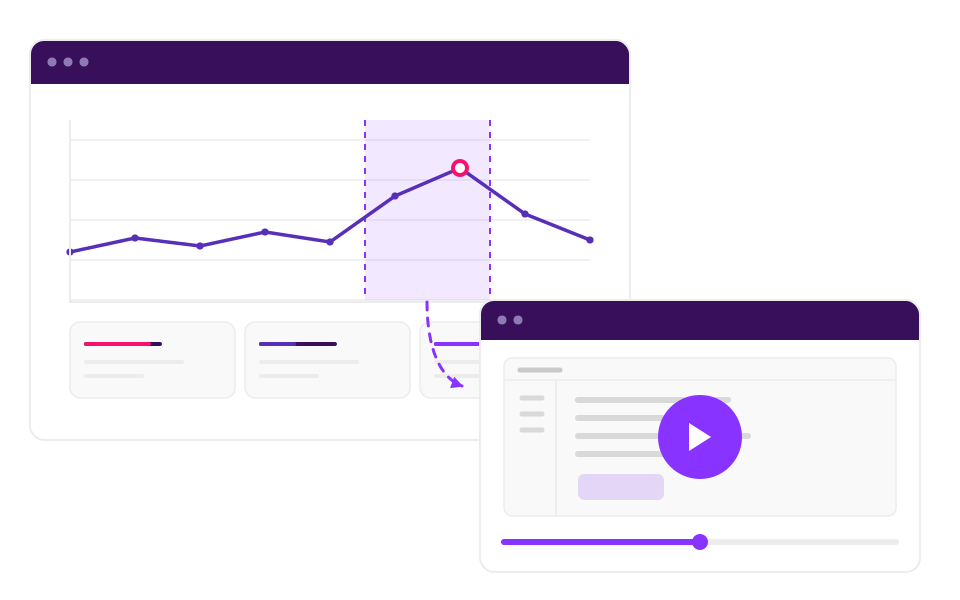
2Steps and Splunk for Citrix monitoring
If you already use Splunk to centralise operational data, 2Steps fits straight in. Every step result, performance metric and video replay from inside the Citrix session can be pushed into Splunk and viewed alongside your existing infrastructure data.
Your team can move from a chart showing degraded performance straight to the video of the user journey that ran during that window – without leaving Splunk.
It doesn't just monitor Citrix. It can run your Citrix workflows for you.
Because 2Steps already logs in and drives real workflows inside Citrix to test them, it can run those same workflows for real - generating reports, transferring files, completing recurring tasks on a schedule, unattended. It's automation AI agents and browser-based bots can't provide, because there's no DOM or API inside a Citrix session for them to reach.
Organisations using Citrix & 2Steps




Book a demo with 2Steps today.
See how 2Steps logs in to your Citrix environment and uses your apps the way your people do.